








Quick Troubleshooting
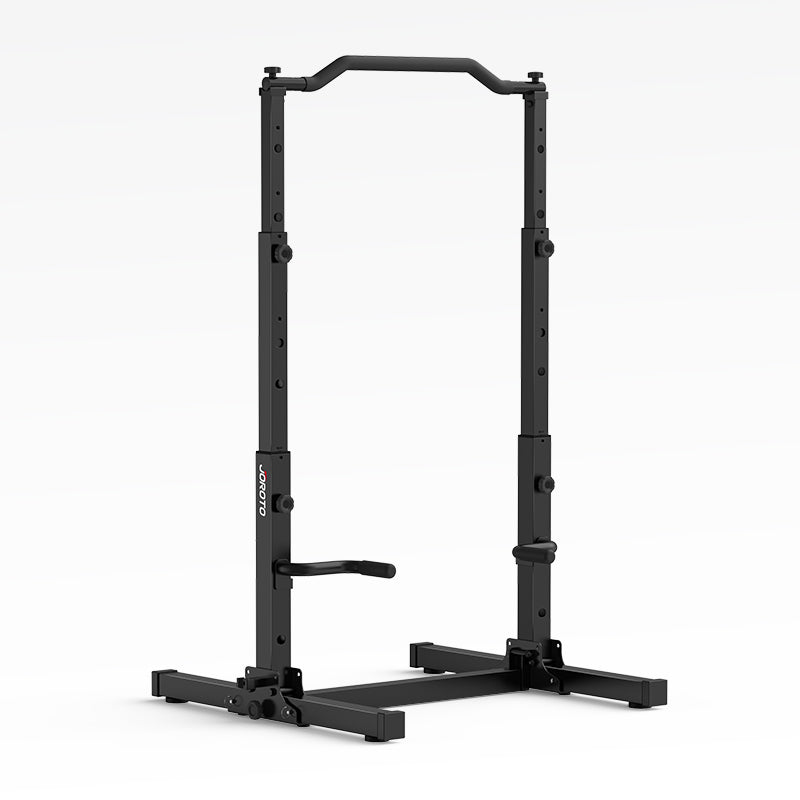
JOROTO JU30 Power Tower
1. What if the holes do not line up or a locking pin will not fit?
This can happen if a frame section is not fully inserted or the surrounding connections are not properly aligned.
Please:
- Check the assembly sequence.
- Make sure the frame or tube is fully inserted.
- Loosen nearby screws slightly, realign the frame, and retighten them.
- Make sure you are using the correct locking pin.
Never force a locking pin into an incorrectly aligned hole.
If the holes still do not align, please send us a photo or short video and we will assist you.
2. What should I do if a handle or armrest is bent or damaged?
If a handle or armrest is noticeably bent, cracked, or damaged, please stop using that part and contact us.
Please provide a photo of the damaged area and your order information. Our customer service team will check the issue and help arrange the appropriate solution.
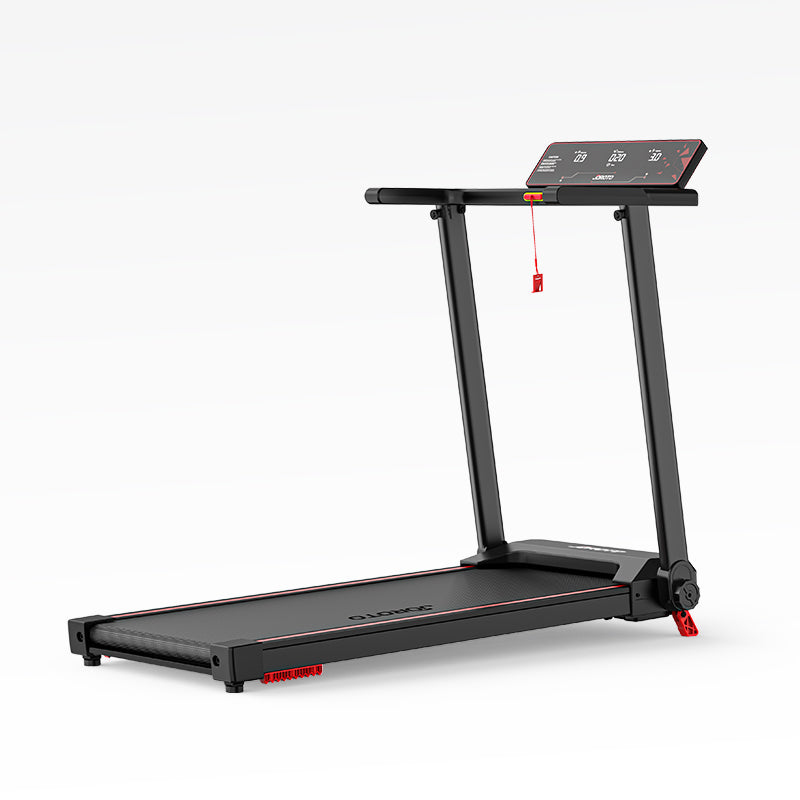
JOROTO F20PRO Foldable Treadmill
1. How can I keep the running belt running smoothly?
Regular care helps keep the running belt centered and running smoothly.
- Keep the treadmill and running area clean.
- Check the belt position regularly.
- Adjust the belt according to the instructions in the user manual.
- Avoid overtightening the running belt.
- Lubricate the belt with suitable treadmill lubricant as recommended in the manual.
- After lubrication, run the treadmill at low speed for a few minutes to distribute the lubricant evenly.
If the belt continues to move to one side, slips, or does not run smoothly after adjustment, stop using the treadmill and contact support.
2. What should I do if the display shows a code or the treadmill behaves unexpectedly?
If the display shows a code such as E03, E04, E05, E06, or E09:
- Note the exact code.
- Stop the treadmill.
- Turn it off and unplug it.
- Check the troubleshooting instructions in the user manual.
- If the code remains, contact support.
When contacting support, provide your order number, the exact code, and a clear photo or short video.
If the treadmill has an unusual burning smell, sparks, electric shock, repeated breaker trips, sudden stopping, or other unusual electrical behavior, stop using it immediately, unplug it, and contact support before using it again.
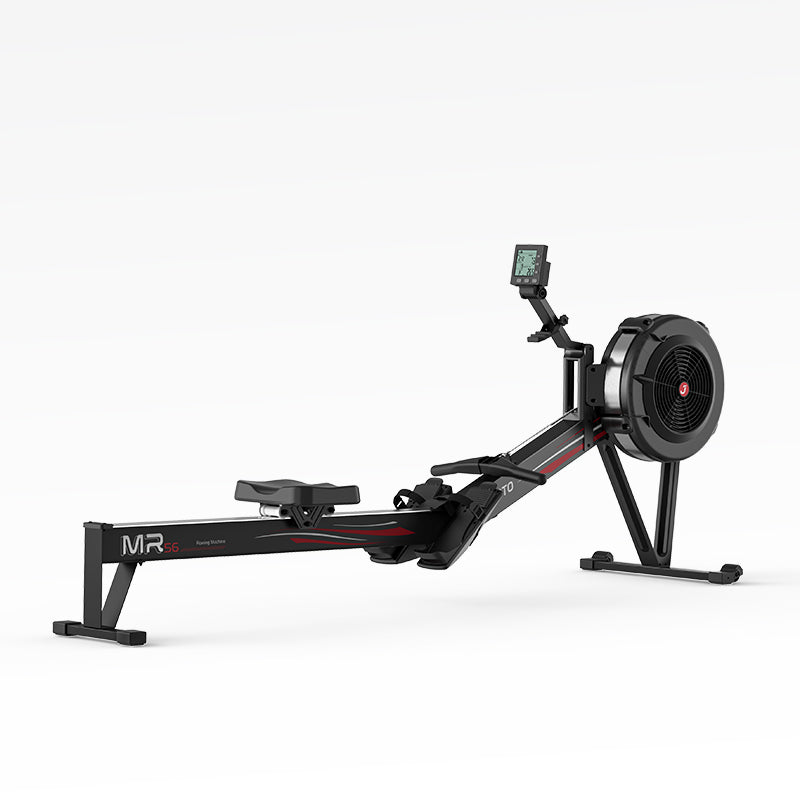
JOROTO MR280PRO Water Rower
1. What should I do if the monitor does not turn on or display workout data?
Check that the batteries are installed correctly and have sufficient power. If the monitor still does not respond, check any accessible connections according to the user manual. If the issue persists, contact customer support for assistance.
2. What should I check if the rowing strap does not retract smoothly?
Check whether the strap is twisted, obstructed, or visibly damaged. Keep the strap path clear and follow the user manual for any recommended checks. Do not force the strap or open the internal mechanism. If the strap remains stuck, frayed, or unable to retract, stop using the machine and contact customer support.
JOROTO MR380 Water Rower
1. How can I care for the water tank and keep it leak-free?
Proper filling, sealing, and routine inspection help keep your water tank in good condition.
- Fill the tank only to the level recommended in the user manual.
- Make sure the tank cap is correctly positioned and securely fitted after filling.
- Inspect the cap and visible seals periodically.
- Keep the rower upright and use it according to the manual.
- Wipe away any water around the tank after filling or use.
If you notice water leaking from the tank, cap, or another connection, stop using the rower and dry the surrounding area. Do not continue exercising while the leak remains unresolved, especially if water is near the monitor or electrical components. Contact support with clear photos or a short video showing the leak.
2. How can I keep the rowing motion smooth and quiet?
Regular care can help maintain a smooth rowing experience.
- Keep the rail clean and free of dust or debris.
- Check that the seat rollers move freely along the rail.
- Inspect the handle, strap, and visible moving components for unusual wear or damage.
- Keep the strap free of twists and follow the manual for proper use.
- Clean and maintain the rower according to the user manual.
If you notice unusual grinding, persistent squeaking, strap retraction problems, slipping, or a sudden change in resistance, stop using the rower and check the relevant troubleshooting instructions. Do not dismantle the water tank or internal mechanisms unless the manual specifically permits it. Contact support if the issue continues.
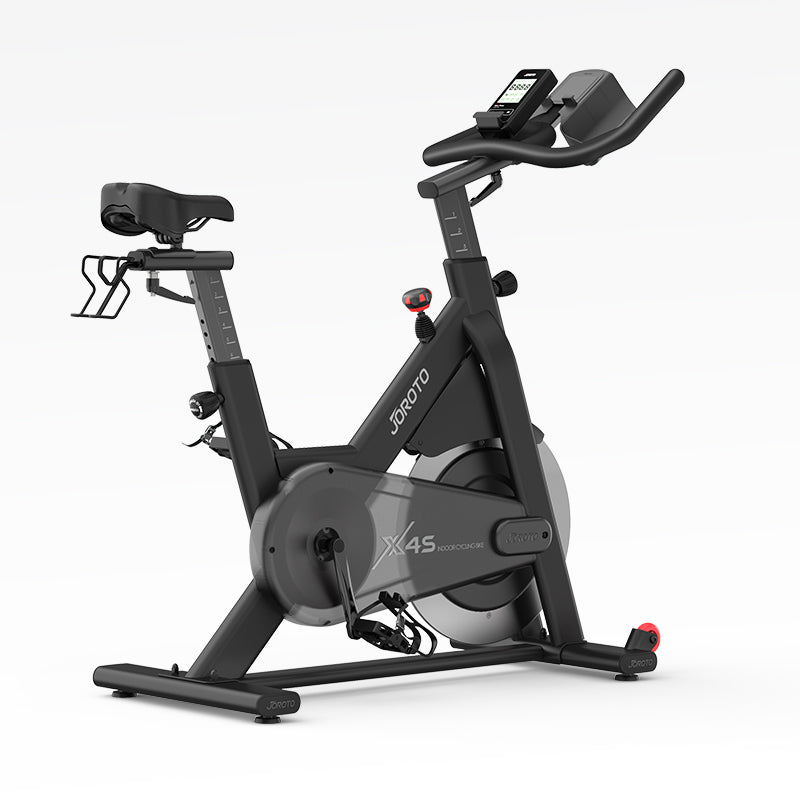
JOROTO X4S Exercise Bike
1. What should I do if the monitor beeps, restarts, or does not turn on?
If the monitor does not work as expected, try the following checks:
- Check that the batteries are installed correctly and have sufficient power.
- Remove and reinstall the batteries according to the user manual.
- Check that the visible monitor and sensor connections are secure.
- Restart the monitor and check whether it operates normally.
If the monitor continues to beep, repeatedly restart, or remain blank, contact support. Please provide your order number, a photo of the display, and a short video showing the issue when possible.
2. How can I troubleshoot workout data, resistance readings, and app connectivity?
If workout data is not recorded or the resistance reading does not change as expected:
- Check that the monitor is powered on and the sensor connections are secure.
- Pedal slowly and check whether the monitor responds to movement.
- Adjust the resistance and check whether the resistance reading changes.
- For Bluetooth pairing, enable Bluetooth on your device and follow the instructions for the compatible app.
- If pairing fails, restart the app and monitor, then try again according to the relevant instructions.
If the monitor still does not record data or connect to the app, contact support with your order number, a photo of the display, and a short video showing the problem.
3. What should I check if a pedal is difficult to install or a crank component needs attention?
For proper installation and reliable operation:
- Identify the left and right pedals before installation.
- Follow the installation direction and threading instructions in the user manual.
- Start threading carefully and avoid forcing the pedal into the crank arm.
- Check the visible threads for damage before installation.
If a pedal will not thread in smoothly, the threads appear damaged, or a crank component is loose or broken, stop the installation and do not use the bike until the issue has been assessed.
Some repairs may require special tools or professional assistance. Contact support with your order number and clear photos of the affected parts before attempting a repair.
JOROTO X2PRO Exercise Bike
1. What should I do if the monitor does not turn on or display workout data?
If the monitor is blank, shows incomplete information, or does not record your workout:
- If the monitor uses batteries, check that they are installed correctly and have sufficient power.
- Check accessible monitor and sensor cables to ensure they are securely connected.
- Follow the user manual to restart the monitor, if applicable.
- If the monitor turns on but workout data remains at zero, check the sensor connections and follow the troubleshooting steps in the manual.
If the problem persists, contact support with your order number, a photo of the display, and a short video showing the issue.
Do not dismantle internal electrical components or modify the wiring. Our support team can help determine whether further troubleshooting or a replacement part is needed.
2. What should I do if my X2PRO makes unusual noises?
If you hear clicking, squeaking, rubbing, or grinding sounds:
- Stop exercising and check that the bike is positioned on a stable, level surface.
- Inspect accessible fasteners and components for visible looseness or damage.
- Note when the noise occurs, such as during pedaling or when the pedals change direction.
- If possible, record a short video that captures the sound.
If the noise continues, or you notice a loose, cracked, or broken component, stop using the bike and contact support.
Do not dismantle the crank, bearings, flywheel, belt drive, or other internal mechanisms unless the user manual specifically permits it. If a component appears to be rubbing against the housing, provide photos or a video rather than attempting an unfamiliar repair.
3. What should I do if the resistance reading or workout data seems incorrect?
If the displayed resistance does not match the adjustment, or workout data appears inaccurate:
- Follow the user manual to check the resistance adjustment and calibration procedure, if applicable.
- Adjust the resistance gradually and observe whether the displayed value changes as expected.
- Check accessible sensor connections and ensure the monitor is being used according to the instructions.
- If the cadence or other workout readings remain unchanged while exercising, record a short video showing the display and the movement.
If the resistance adjustment does not respond, or the displayed readings remain incorrect, contact support for further guidance.
Do not open the housing or adjust internal components unless the user manual specifically permits it.
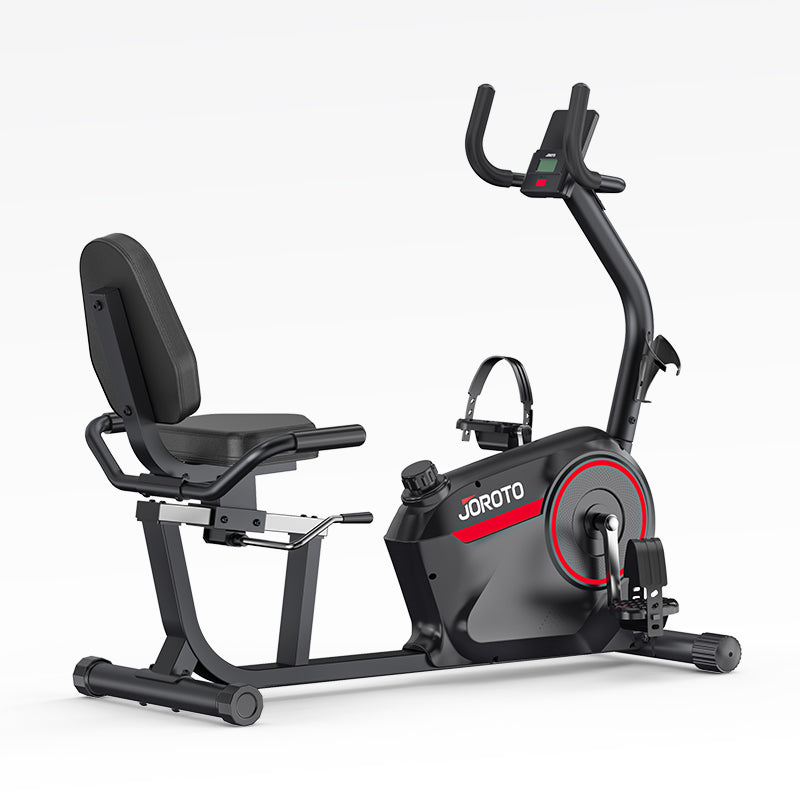
JOROTO JH50 Recumbent Exercise Bike
1. How can I troubleshoot the monitor and its connections?
If the monitor does not turn on, displays incomplete information, or does not respond as expected:
- Check that the batteries are installed correctly and have sufficient power.
- Remove and reinstall the batteries according to the user manual.
- Check the battery compartment for visible damage.
- Inspect accessible monitor and sensor cables to ensure they are securely connected.
- Restart the monitor and check whether it operates normally.
If the monitor still does not work, contact support with your order number, a photo of the display, and a short video showing the issue.
If a cable appears disconnected inside the frame, or the battery compartment is damaged, do not attempt repairs that require dismantling internal components unless the user manual specifically permits them.
2. How can I install the pedals and adjust the seat correctly?
Pedal installation
- Identify the left and right pedals before installation.
- Follow the installation direction and threading instructions in the user manual.
- Align each pedal carefully and begin threading by hand.
- Avoid forcing a pedal into the crank arm.
- If the threads do not engage smoothly, stop and check the alignment.
If a pedal cannot be installed correctly or the threads appear damaged, contact support before using the bike. Damaged threads may require replacement parts or professional assistance.
Seat and backrest adjustment
- Follow the user manual to adjust the seat position.
- Check that the adjustment mechanism moves freely and locks securely.
- Confirm that the backrest and its fasteners are properly secured before exercising.
- If the seat becomes difficult to move or the adjustment mechanism appears stuck, do not force it.
If the seat or backrest cannot be secured properly, stop using the bike and contact support.
For a comfortable fit, review the product dimensions and adjustment range before purchasing. If you experience knee pain or discomfort during exercise, stop your workout and reassess your riding position before using the bike again.
JOROTO JH30PRO Recumbent Bike
1. What should I do if the LCD display does not turn on or show workout data?
Check whether the console batteries are installed correctly and have sufficient power, and inspect any accessible connections according to the manual. If the display still does not work, contact customer support for further assistance.
2. What should I check if the pedals are difficult to turn or make unusual noises?
Check that the resistance setting is appropriate and inspect visible components for looseness, following the user manual. If unusual noise or difficult pedaling continues, stop using the bike and contact customer support. Do not attempt to open or repair internal components without guidance.
JOROTO JV80 4D Vibrationsplatte
1. What should I check if the machine stops or does not vibrate as expected?
Check the power connection and operating settings according to the user manual. If the machine stops during extended use, follow the model-specific instructions for cooling and restarting. If the issue persists, stop using the machine and contact customer support.
2. How can I keep the vibration plate stable and running smoothly?
Place the machine on a firm, level surface and check visible components regularly. Some operating sounds may occur, but persistent unusual noise, excessive shaking, or loose components should be checked before further use. Contact customer support if needed.