













JOROTO MR280PRO Water Rower – FSC Oak & Foldable for Home, Apartment & Cardio
- FREE EU-Wide Shipping (Excluding Malta & Cyprus)
- Processed within 48 business hours
- Delivery in 2–7 business days via FedEx, DPD, GLS, UPS, DHL
- Track your order with a tracking number sent by email
- 14-day easy returns
- 12-month warranty
If you have any questions or need assistance, our customer support team is here to help.
- Email: support@jorotofitness.com
- Operating Hours: Mon–Fri, 9 a.m.–6 p.m.

Why Choose the MR280PRO?
Discover why the MR280PRO is the perfect home rowing machine—durable oak frame, authentic water resistance, quiet glide, easy assembly, and smart connectivity.

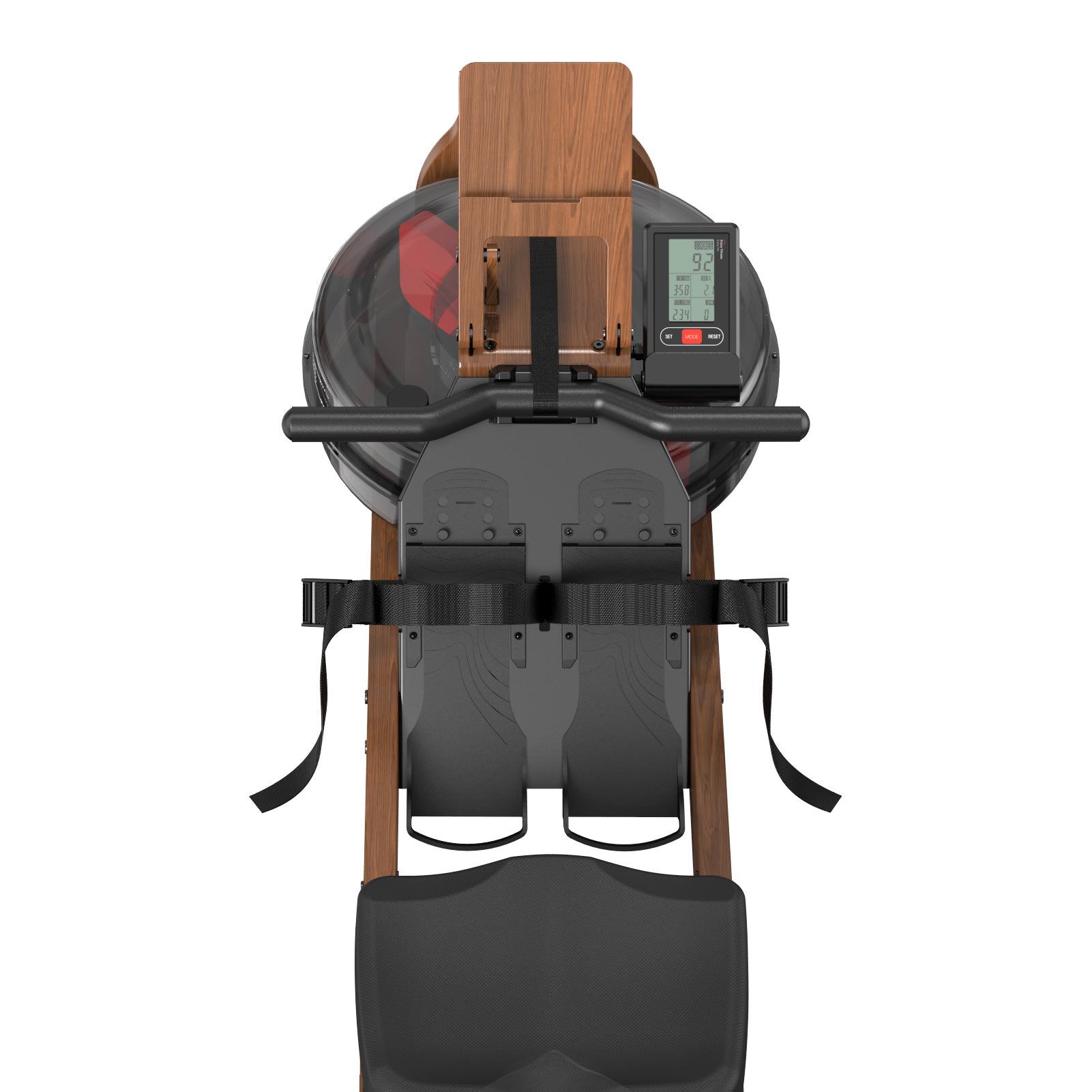
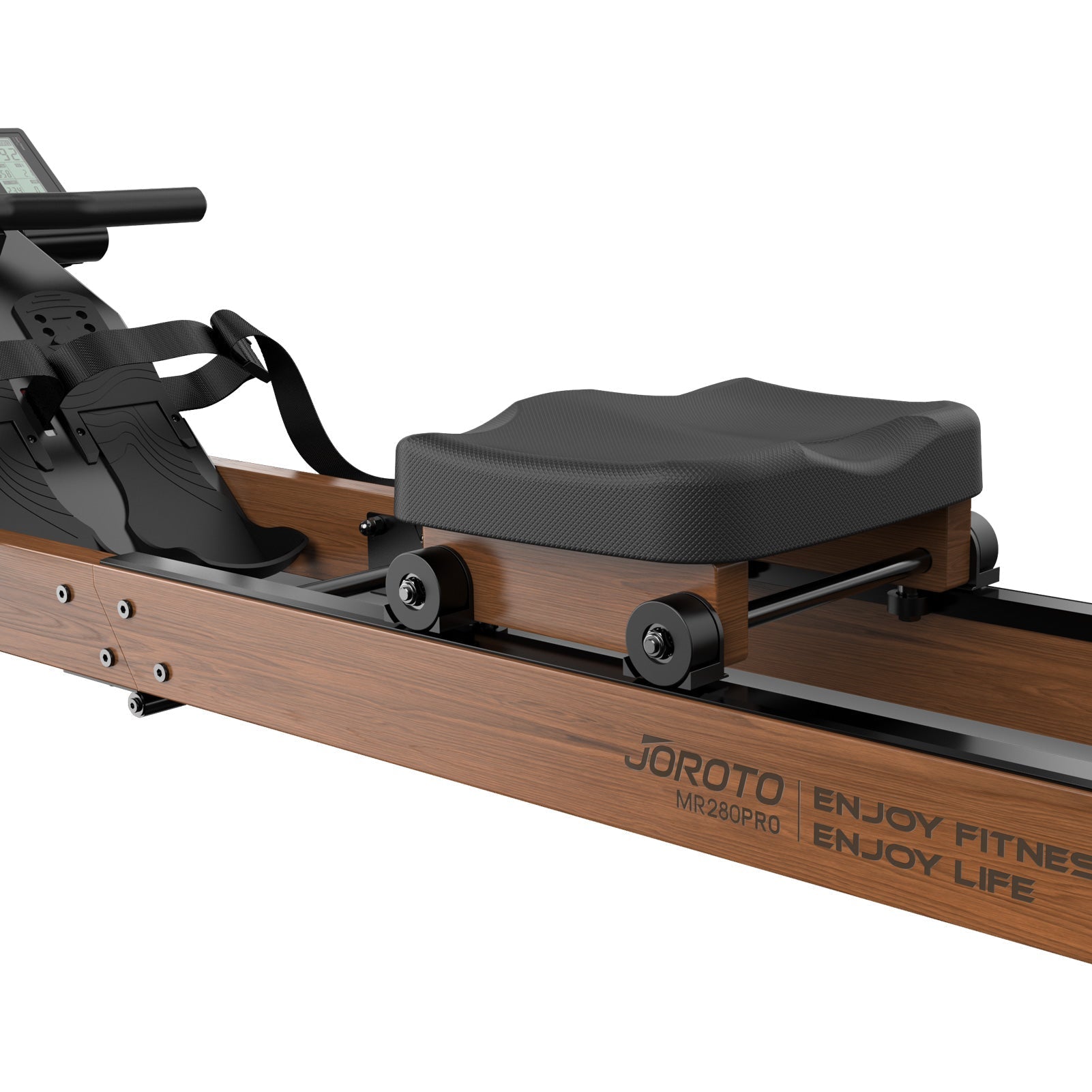
Premium FSC-Certified Oak Wood Frame
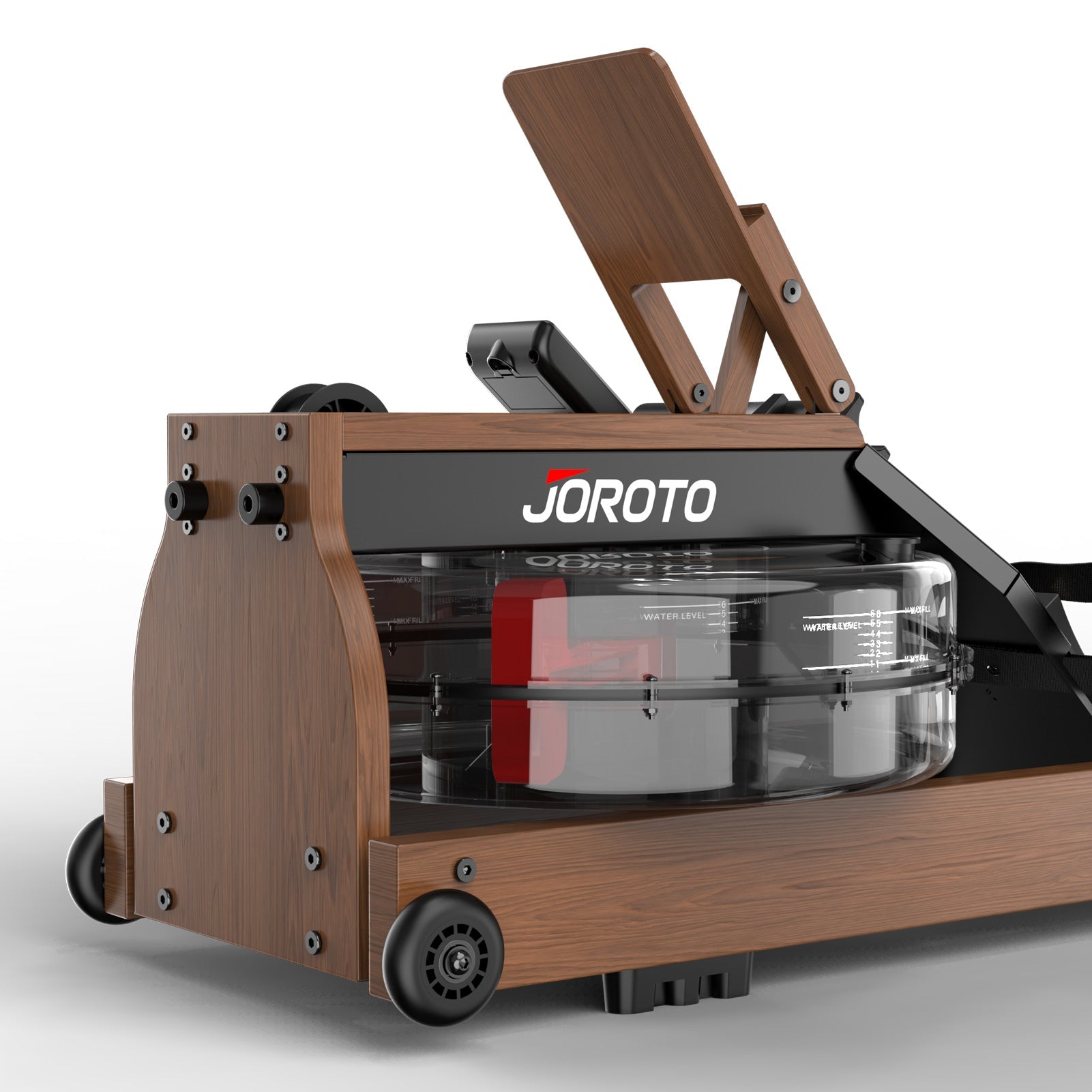
Crafted from solid FSC-certified oak wood, ensuring excellent durability and stability. The natural wood grain adds a touch of elegance that blends beautifully with home décor.
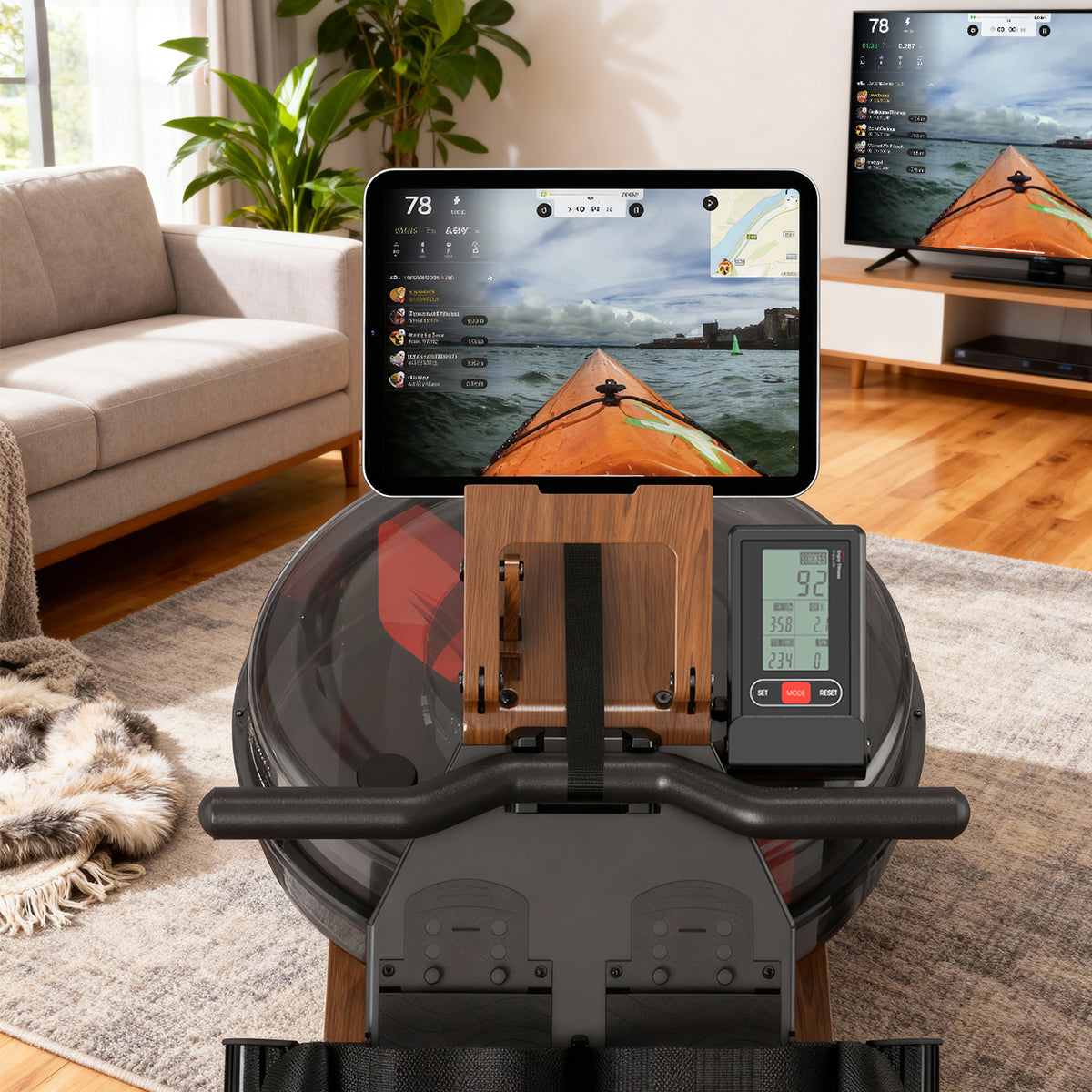
Smart Training with Device Holder
Built-in tablet and phone stand supports apps like Kinomap, allowing you to enjoy interactive workouts, scenic routes, and virtual coaching for a more engaging exercise session.
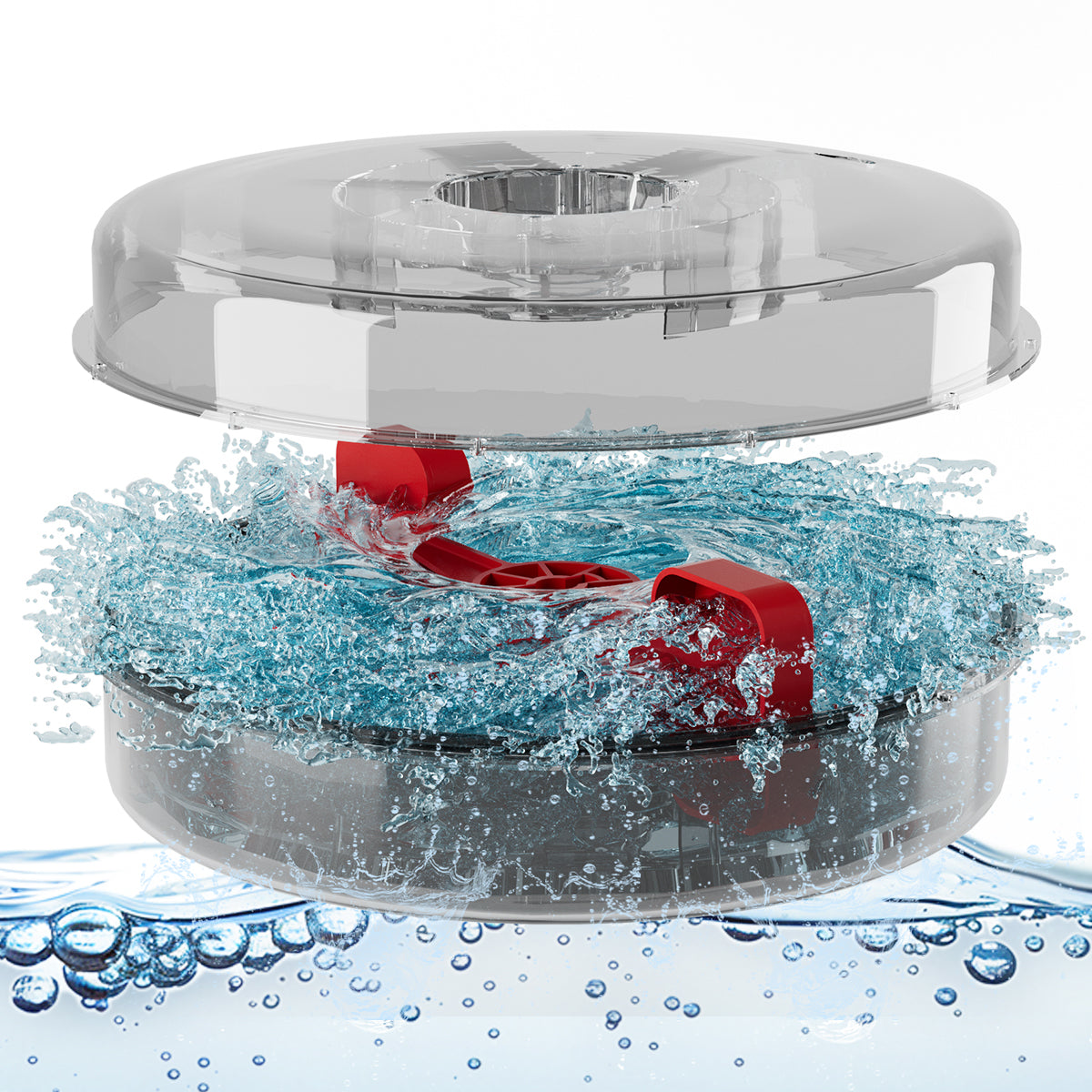
Real Water Resistance for Authentic Rowing Feel
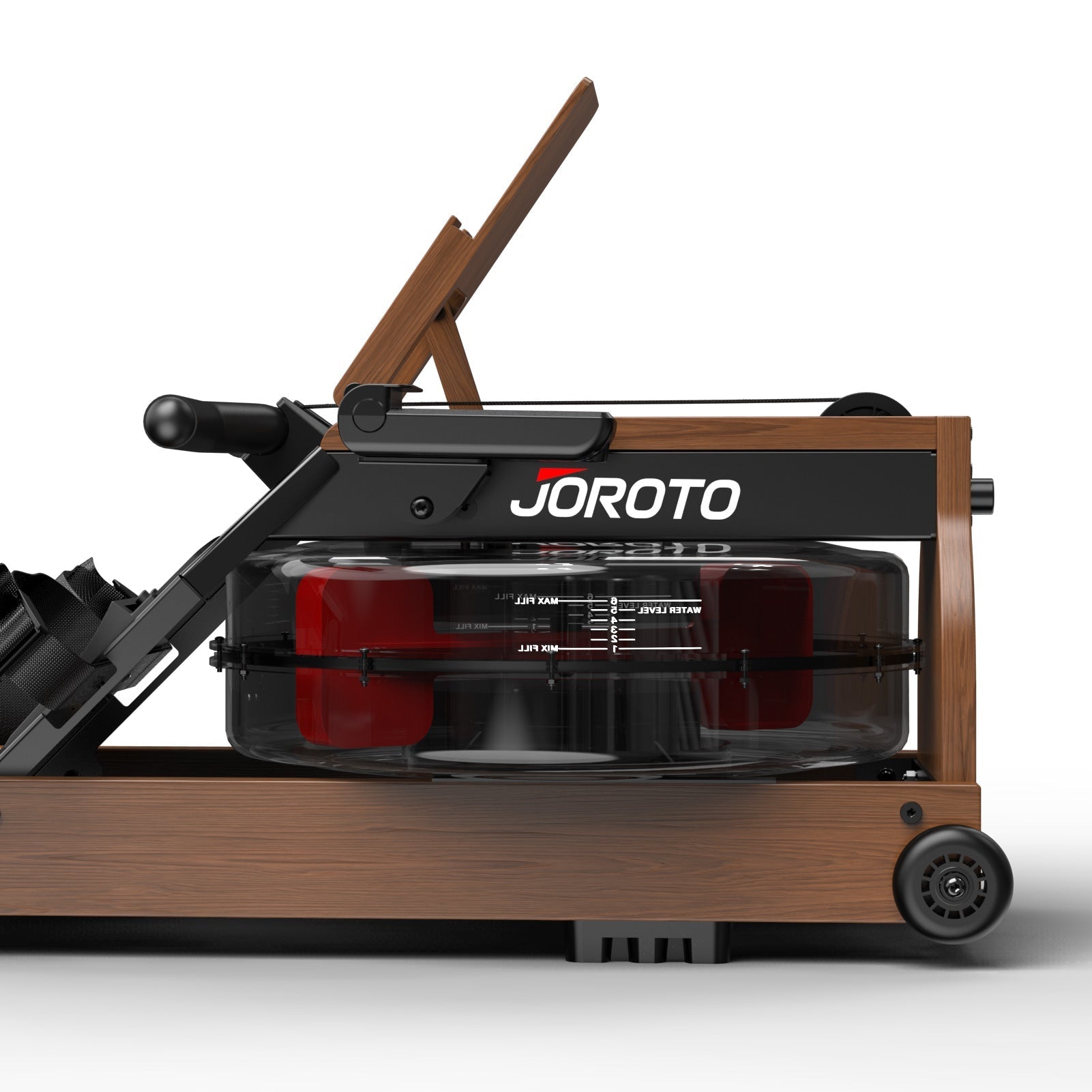
Powered by a water resistance system that simulates real rowing dynamics. Adjust the water level to fine-tune resistance and enjoy a smooth, natural rowing experience that mimics being on the water.
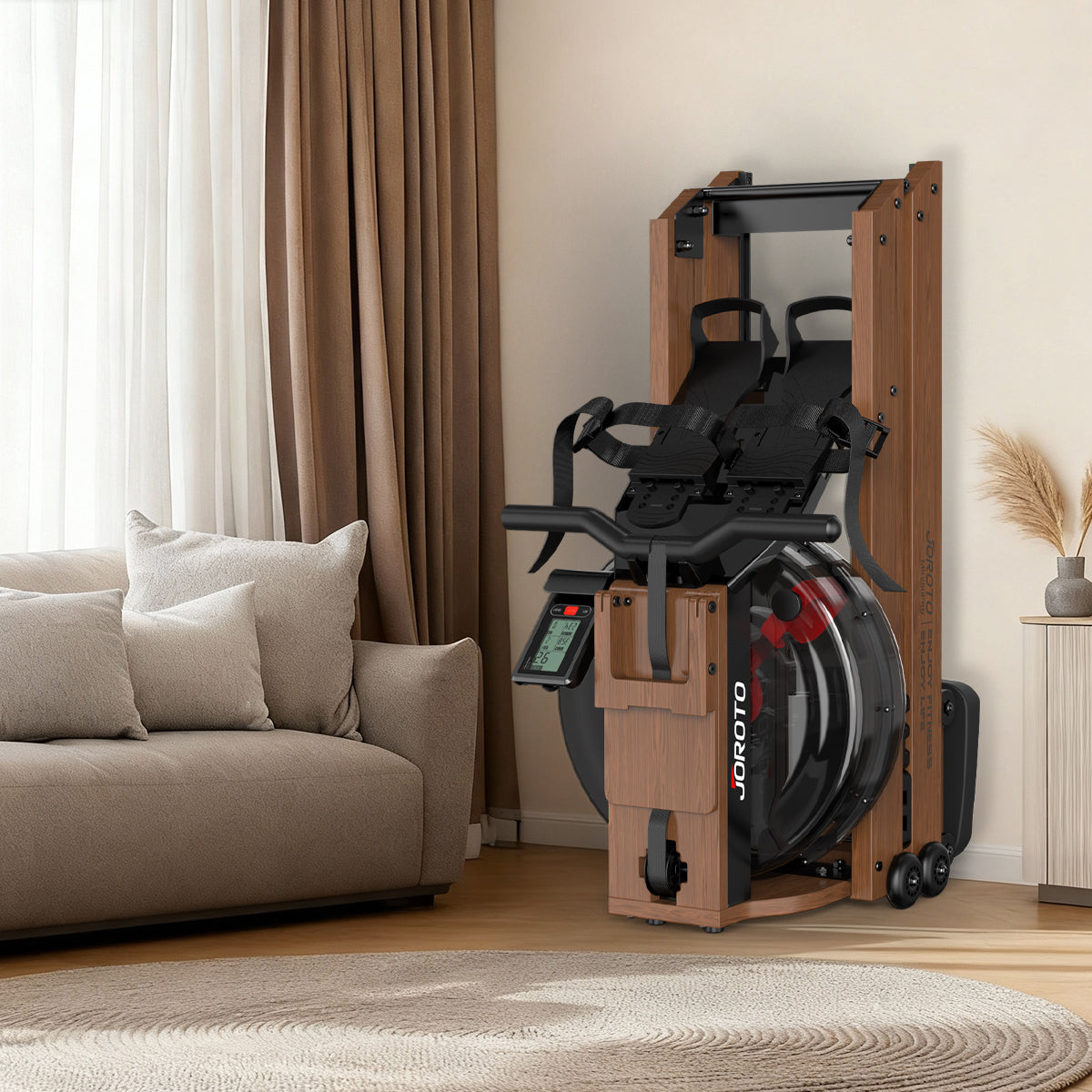
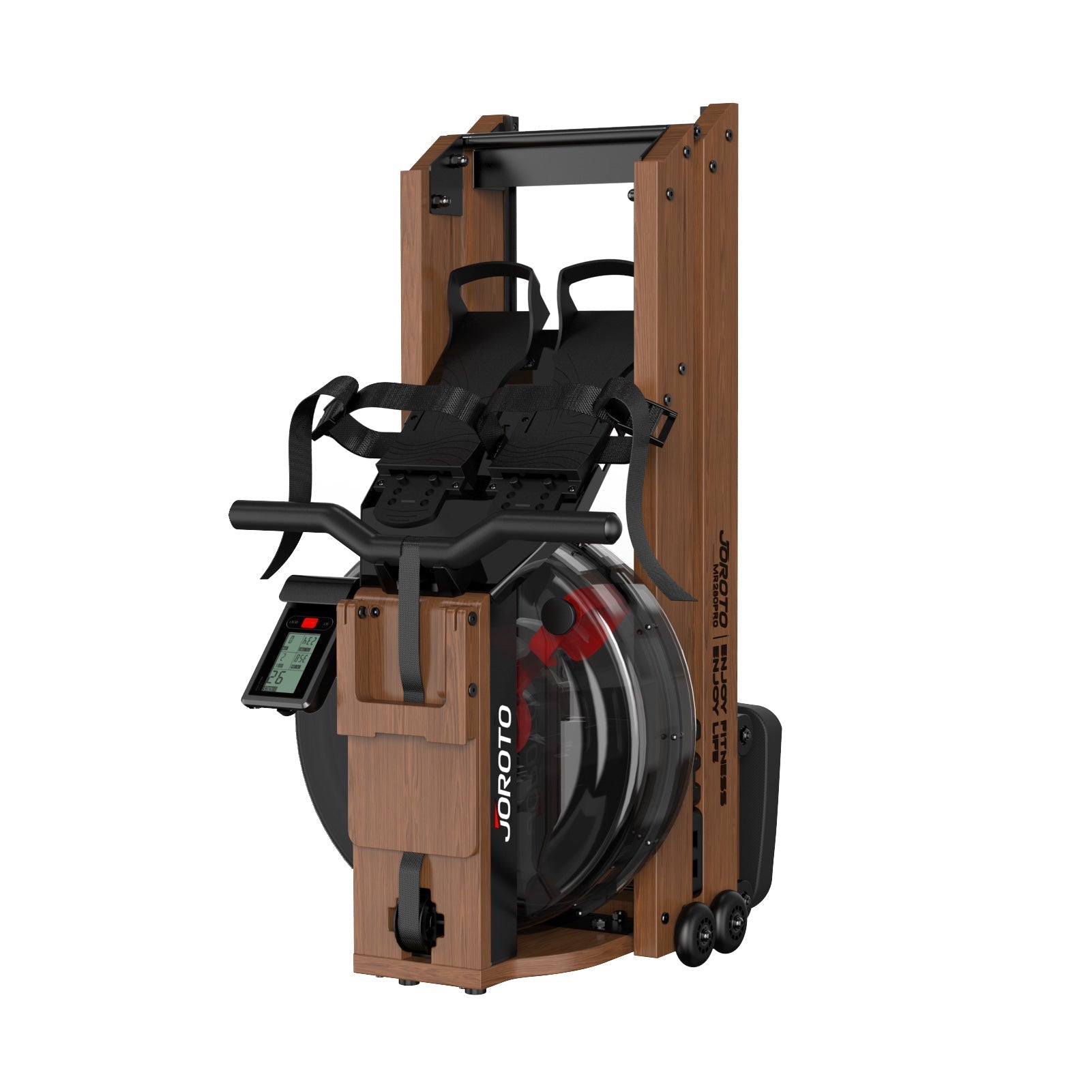
Foldable Design for Easy Storage
Space-saving 180° folding structure lets you store the rower upright without draining water. Perfect for apartments and small spaces. Move and store effortlessly when not in use.
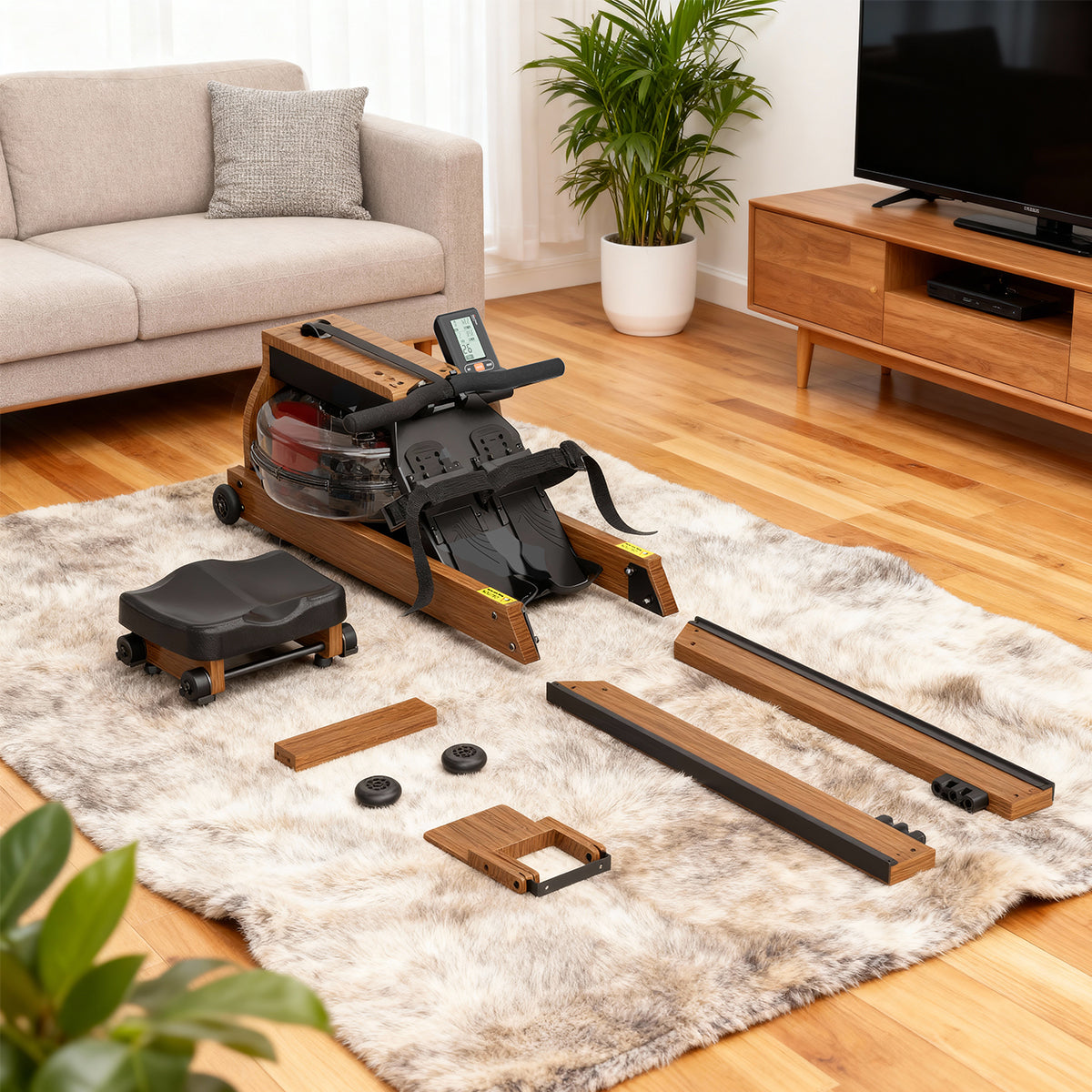
90% Pre-Assembled for Quick Setup
Comes 90% pre-installed out of the box. Only minimal assembly required, allowing you to start training within minutes.
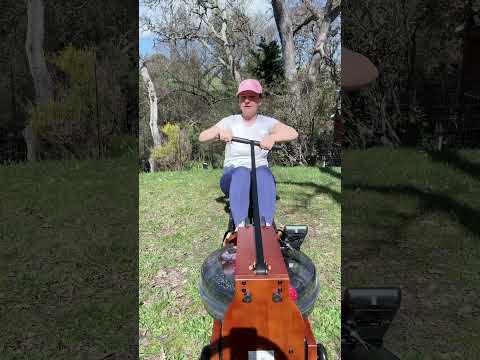
Real User Reviews: JOROTO MR280PRO Water Rower
Product Specifications
| Model Name | MR280PRO / MR280PROB Rower |
| Gross Weight / Net Weight | 26.5 kg / 23 kg |
| Package Size | 99 × 46 × 33 cm |
| Assembled Dimensions | 180 × 44.5 × 54.5 cm |
| Folded Dimensions | 93.6 × 44.5 × 54.5 cm |
| Maximum Capacity | 130 kg |
| Resistance Mechanism | Water Resistance (6-Level Adjustable Water Volume) |
| Water Tank Capacity | 14 L |
| Digital Monitor | Electronic Display: Speed, Time, Time/500m, Calories, Strokes, Distance, Odometer, Total Strokes, Stroke Rate |
| Bluetooth & App | Single-Mode Bluetooth; Compatible with JOROTO, Kinomap |
| User Height Range | 1.60 m - 1.95 m |
FAQ
Quick Start Guide
1. How can I get my MR280PRO ready for use?
Before your first workout:
- Place the rower on a stable, level surface.
- Check that all required parts are installed according to the user manual.
- Make sure the monitor and sensor connections are properly connected.
- Check that the seat moves smoothly along the rail.
- Fill the water tank according to the instructions in the user manual.
- Check that the tank cap is securely fitted and the surrounding area is dry.
- Follow the setup and operating instructions before starting your workout.
If the monitor does not respond or the rower does not operate as expected after these checks, contact our support team with your order number and a photo or short video.
2. How can I care for the water tank and keep it leak-free?
Proper filling, sealing, and routine inspection help keep your water tank in good condition.
- Fill the tank only to the level recommended in the user manual.
- Make sure the tank cap is correctly positioned and securely fitted after filling.
- Inspect the cap and visible seals periodically.
- Keep the rower upright and use it according to the manual.
- Wipe away any water around the tank after filling or use.
If you notice water leaking from the tank, cap, or another connection, stop using the rower and dry the surrounding area. Do not continue exercising while the leak remains unresolved, especially if water is near the monitor or electrical components. Contact support with clear photos or a short video showing the leak.
3. How can I use the monitor and connect my MR280PRO to an app?
For accurate workout tracking and connectivity:
- Install the batteries according to the monitor's instructions, checking the polarity.
- Confirm that the monitor is switched on and the sensor connections are secure.
- Check that the sensor and magnet are correctly positioned according to the user manual.
- If workout data is not registering, check the sensor connections and battery condition.
- For Bluetooth pairing, make sure Bluetooth is enabled on your device and follow the pairing instructions for the compatible app.
- If pairing fails, restart the app and monitor, then try pairing again as directed in the relevant instructions.
If the monitor remains blank, displays no workout data, or cannot connect after these checks, contact support. Please provide your order number, a photo of the monitor, and a short video showing the issue when possible.
4. How can I keep the rowing motion smooth and quiet?
Regular care can help maintain a smooth rowing experience.
- Keep the rail clean and free of dust or debris.
- Check that the seat rollers move freely along the rail.
- Inspect the handle, strap, and visible moving components for unusual wear or damage.
- Keep the strap free of twists and follow the manual for proper use.
- Clean and maintain the rower according to the user manual.
If you notice unusual grinding, persistent squeaking, strap retraction problems, slipping, or a sudden change in resistance, stop using the rower and check the relevant troubleshooting instructions. Do not dismantle the water tank or internal mechanisms unless the manual specifically permits it. Contact support if the issue continues.
5. How should I maintain my MR280PRO?
Regular maintenance helps keep your rower in good working condition.
After each workout
- Wipe down the rower and dry any moisture around the water tank.
- Keep the rail and seat travel area clean.
- Check for any visible changes or loose components.
Periodically
- Inspect the tank cap and visible seals.
- Check the seat rollers, strap, handle, and connections for wear.
- Check the monitor batteries and visible sensor connections as needed.
- Follow the user manual for water treatment, water replacement, and any other model-specific maintenance requirements.
Before inspecting or maintaining moving components, stop using the rower and follow the safety instructions in the manual. Do not use damaged components or attempt unauthorized repairs.
6. What should I check when I receive my MR280PRO?
Before assembly and use, please check:
- The packaging and main components for visible shipping damage.
- The included parts, hardware, and accessories against the packing list.
- The water tank and visible components for cracks or damage.
- The monitor, handle, strap, seat, and rail for obvious issues.
- The user manual and included materials.
Some small parts may be packed separately, so check all packaging before reporting missing items.
If any parts are missing or damaged, keep the packaging and take clear photos of the affected parts and packaging. Contact support with your order number and photos so we can help identify the parts and determine the appropriate solution.
Water Rower Comparison
MR280PRO vs MR380 vs MR390
| MR280PRO | MR380 | MR390 | |
|---|---|---|---|
| Water Tank Capacity (L) | 14 | 28 | 22 |
| Resistance Levels | 6 Water Levels | 6 Water Levels | 7 Water Levels |
| Console & WATT Metric | Standard Metrics (No WATT) | Full Metrics + WATT Output | Full Metrics + WATT Output |
| App & Bluetooth | KINOMAP / JOROTO | KINOMAP + SPAX | KINOMAP + SPAX |
| Heart Rate Support | Bluetooth HR Strap (Optional) | 5.3K HR Strap (Optional) | 5.3K HR Strap (Optional) |
| Rail Travel & User Height | 694 mm (160–195 cm) | 780 mm (120–210 cm) | 734 mm (120–200 cm) |
| Storage Method & Footprint | Foldable (936 × 445) | Foldable (1025 × 642) | Vertical Stand (611 × 460) |
| Product Dimensions (mm) | 1800 × 445 × 545 | 1982 × 645 × 518 | 1740 × 611 × 460 |
| Net / Gross Weight (kg) | 23.5 / 27.0 | 26.5 / 31.5 | 31.8 / 36.6 |
| Max User Weight (kg) | 130 | 150 | 150 |
Great rower!
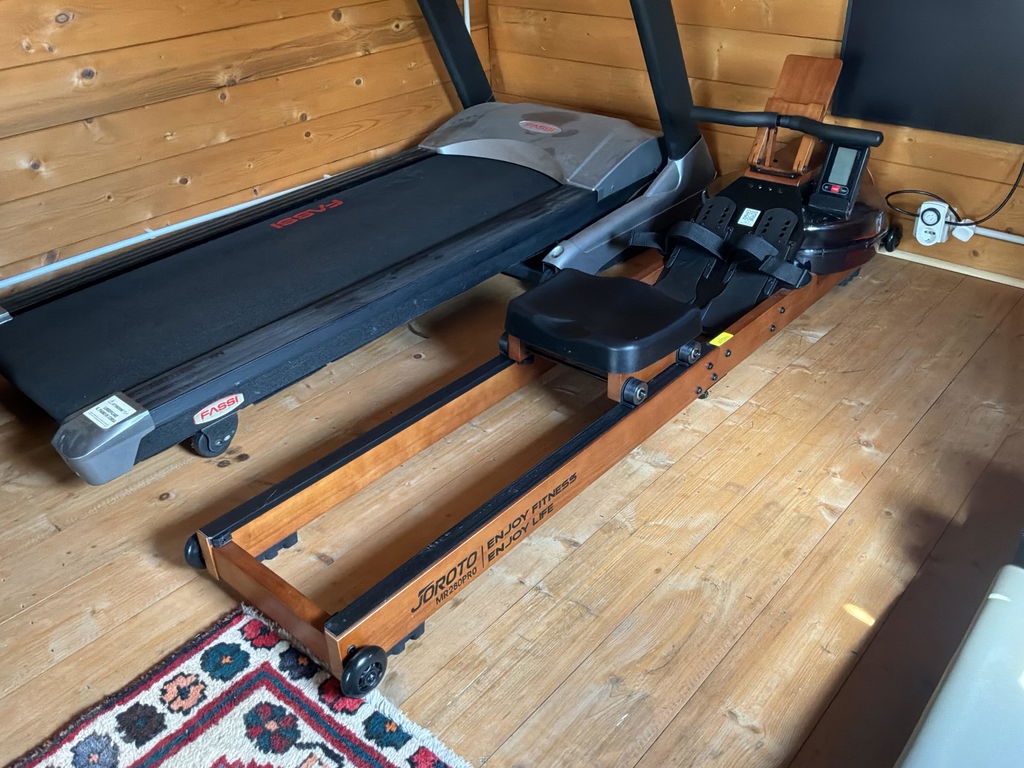
buena maquina relacion calidad precio
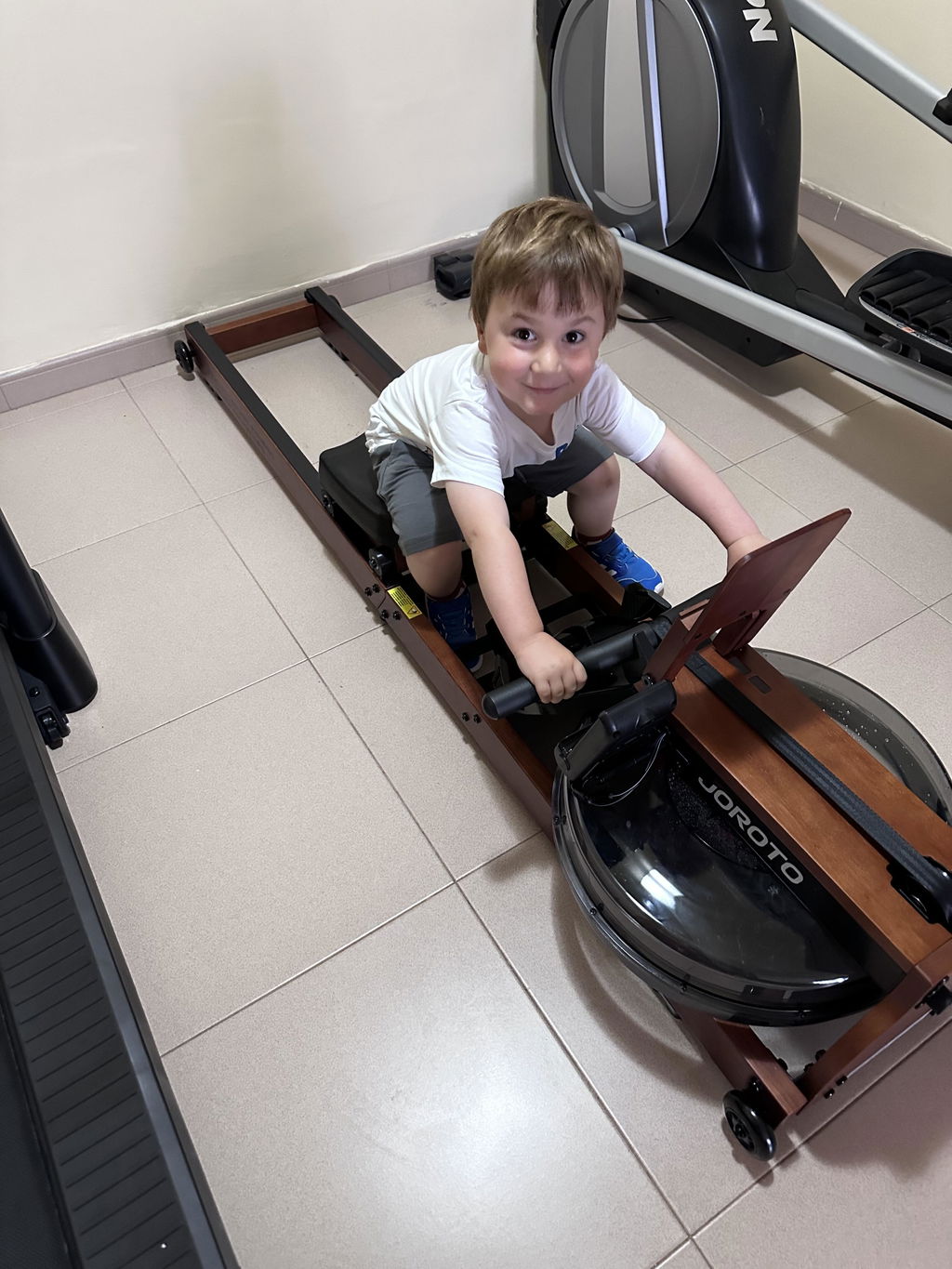
¡Gracias! 🙌 Nos alegra mucho que te parezca buena calidad-precio. ¡Disfruta la máquina!
The rowing machin is robust and well done. It goes smooth during exercise. The only tiny drawback i found is the mobile/tablet hoder. It had to be a bit higher, as the belt sometimes touch the wood on the lower part of the holder during the pulling movment. So far, fully satisfied.
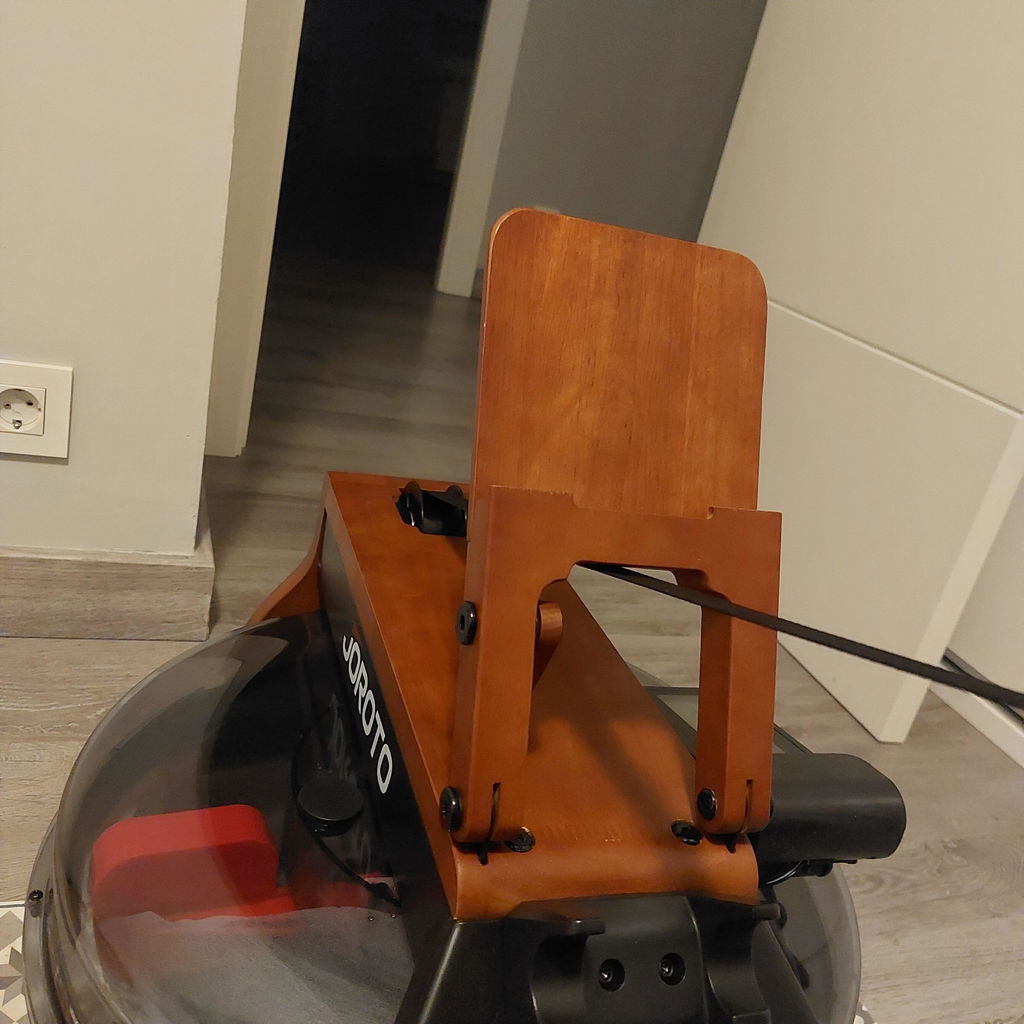
Je ne regrette pas l achat de mon rameur Joroto MR280PRO.
Il est facilement pliable. Ilne prend pas de place quand il est plié.
On peut voir sur l écran les calories brûlées, le nombre de coups de rameur...
Il est esthétiquement beau, en bois de chêne et son réservoir à eau...
Il permet de muscler le haut du corps, les jambes, le ventre et de travailler le cardio.
Je recommande cet appareil...
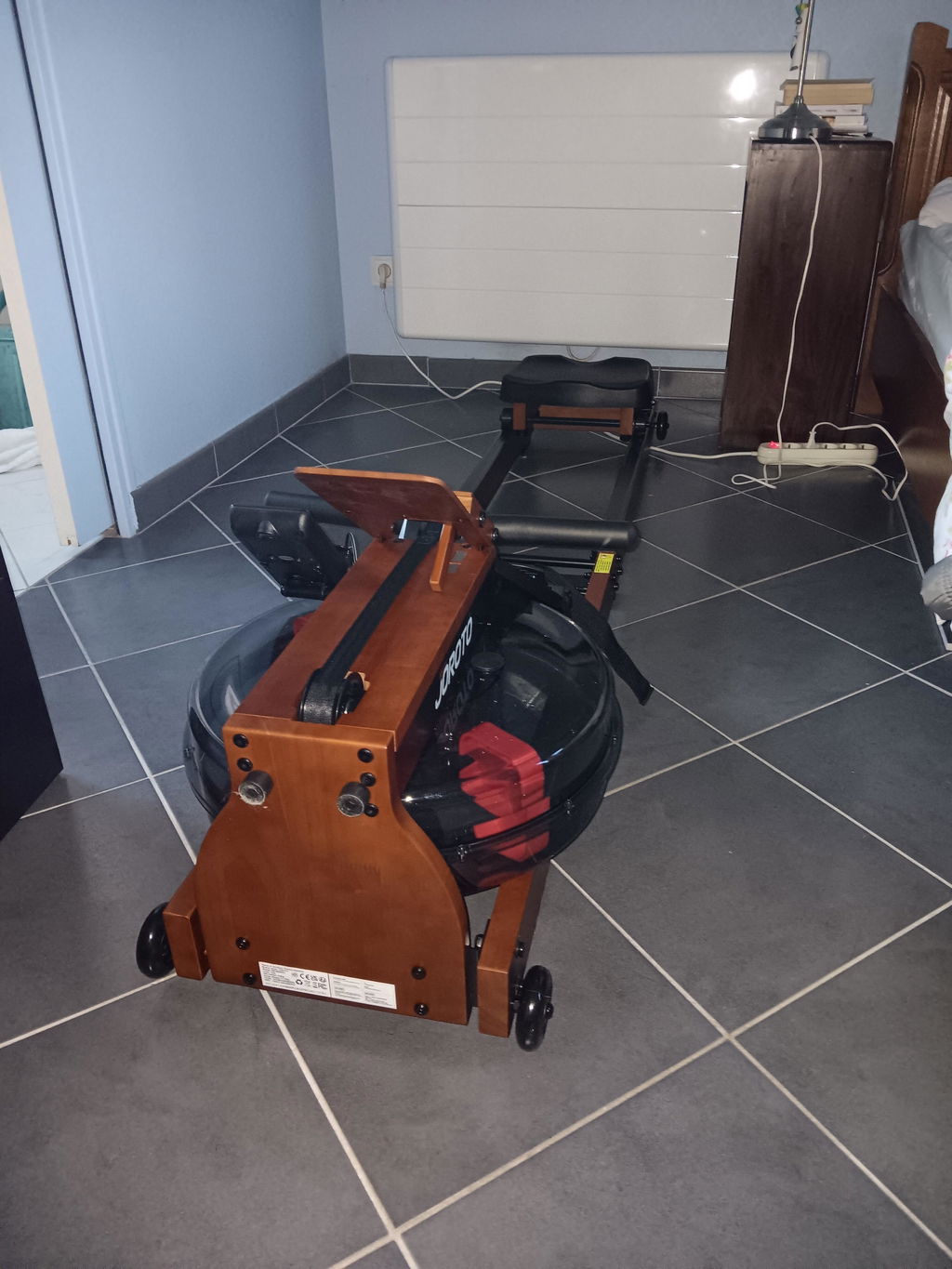
I'm 50yo man, and I'm very happy with this machine. I can do workout, with no danger of injuries. It works smothly and with a hardly noise. I've used it for only a few weeks, but it exactly what I was looking for. The machine was delivered almost complete mounted. I had only to mount the seat, and fill the tank with water. Adding to this, it's a beautiful machine, dark wood, with black elements, it's something that very fine to see in any home. At this moment the machine works fine and smooth. Feeling good!
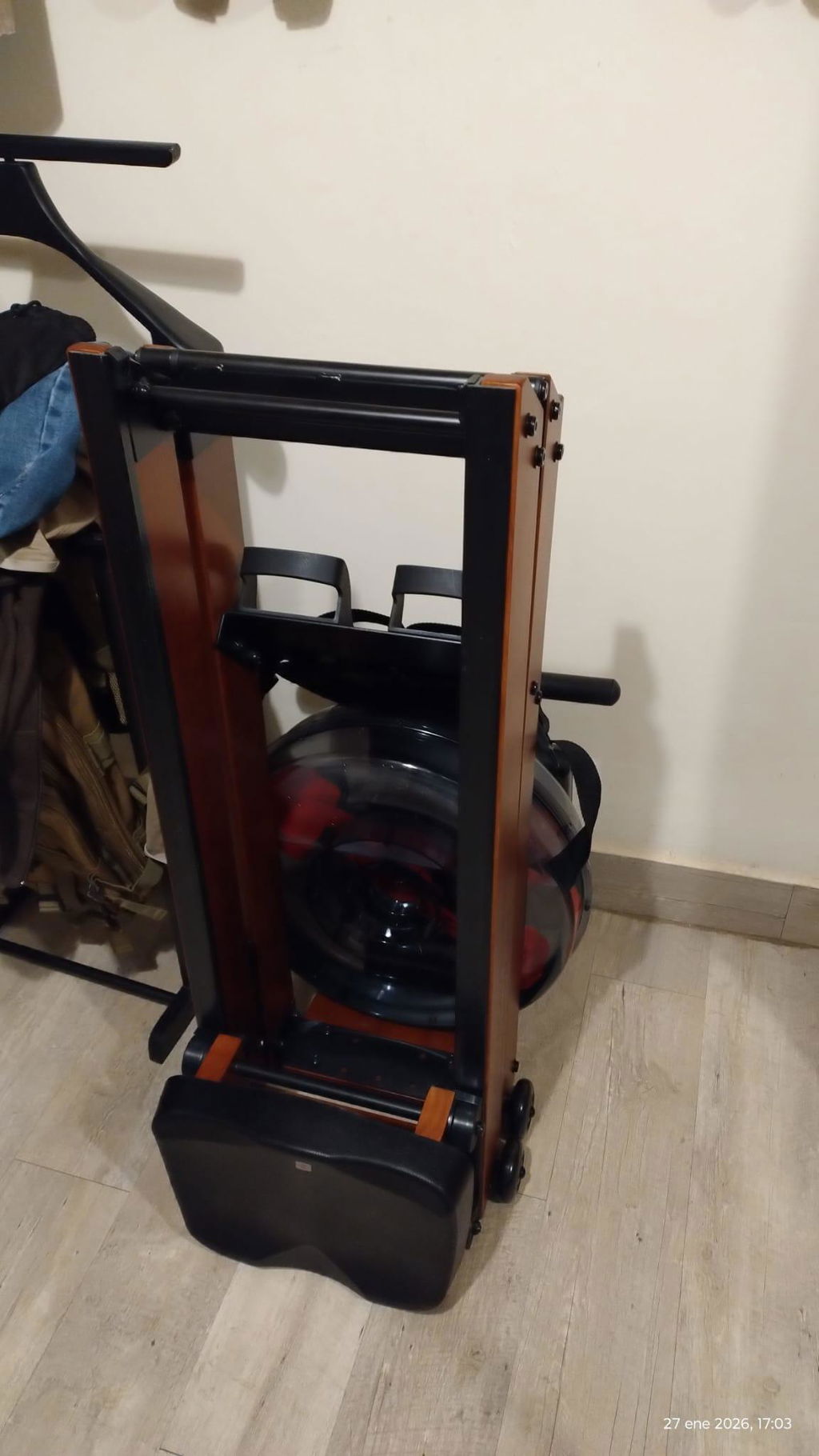
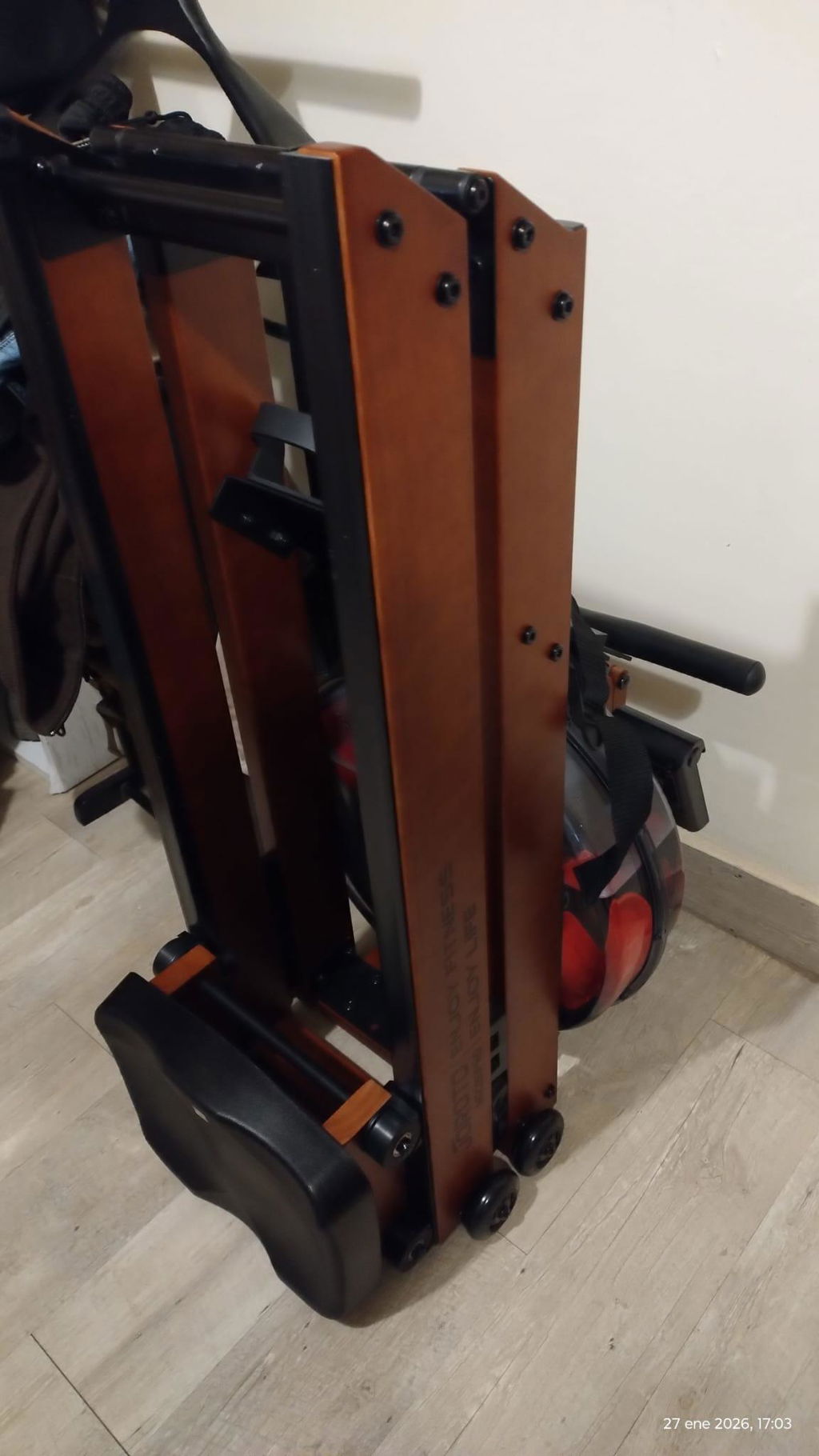
Nagyon elégedett vagyok a Joroto géppel. Halk működésű, precíz és hibátlanul teszi a dolgát. Az üzembe helyezés gyors és egyszerű volt, minden egyértelmű. Stabil, minőségi érzetet ad. Csak ajánlani tudom.
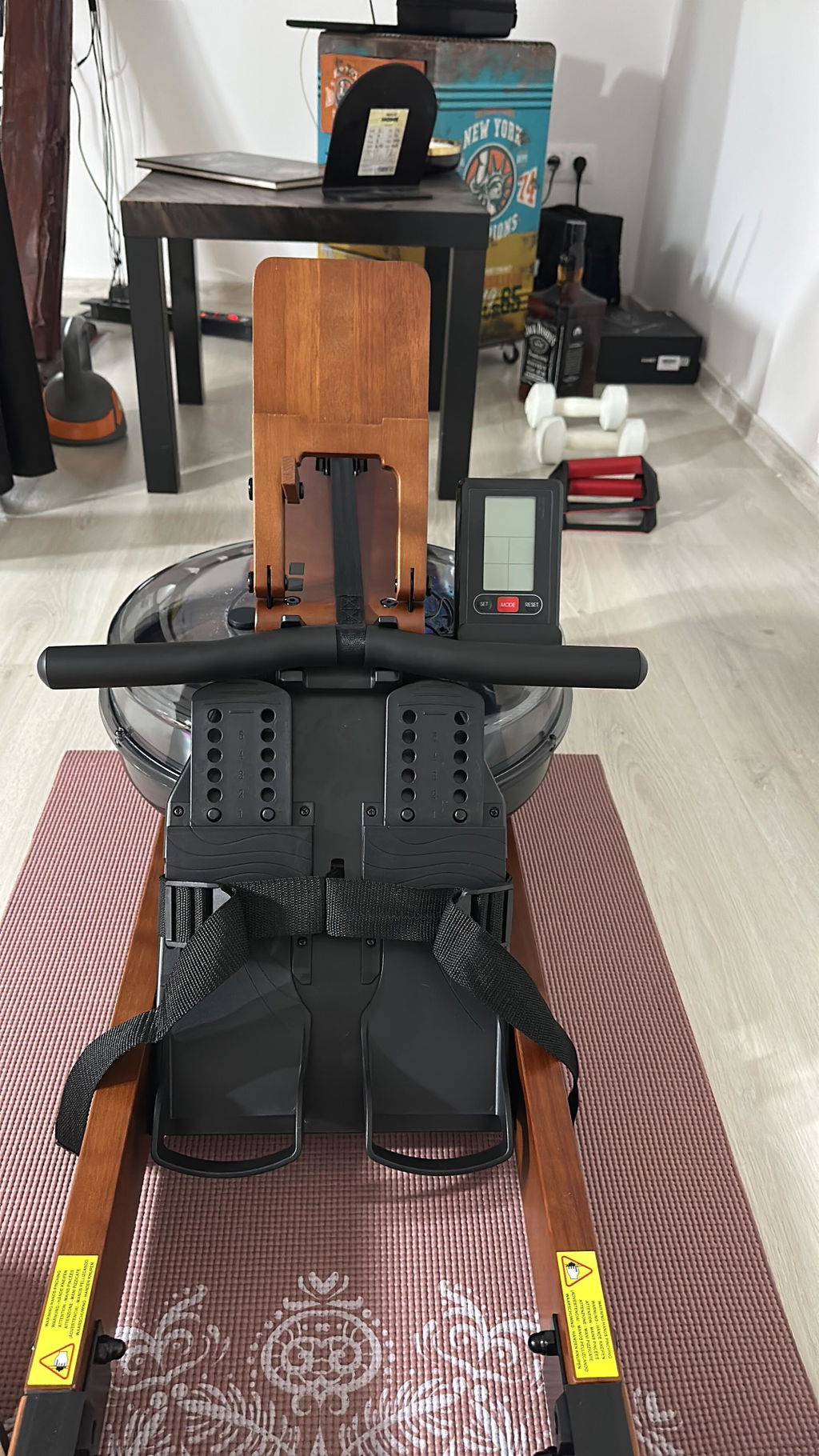
It folds up well. Works as described. Rowed thirty or so miles so far. The seat falls apart after eight miles or so. Goes back together easily enough.
It works well with the EXR rowing game even though the game says it’s unsupported. Works well with rowing apps. I probably just need to glue the bolt in place. I like that it’s made of wood. Makes it blend in like a piece of furniture. Pretty satisfied so far.
I have limited space, so I would recommend this to someone in the same boat.
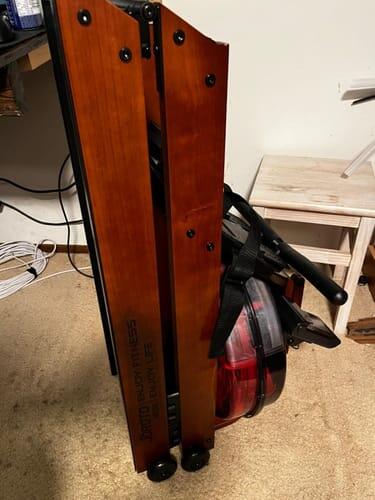
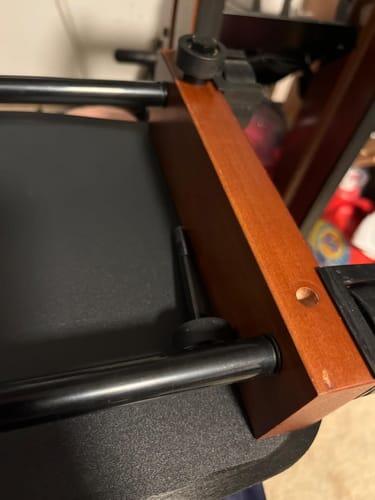
superbe outil, merci
Vert Nice and easy montage.
Easy to set up, easy to use, and feels good to use. Not too loud in use and really easy to pack away between uses.
The manual could be written and illustrated better though. It would also be nice if a couple of water purification tablets were included.
En principio todo muy bien...
grate
Top
Easy to use, great look, good work-out
I am happy with the rower. It was easy to assemble .
Only the water tablets that are needed (and it says they should be in the packaging) were not there. I must find where I can purchase them.
Linda
Hi, sorry for the confusion. The water clarification tablets are no longer included with our rowing machines due to legal regulations. The packaging has not been updated yet. Thank you for your understanding.
Perfect shipment arrangements and equipment. Missing 1 or 2 parts, but I’m confident this will be resolved swiftly.
Laurens (NL)
Prodotto molto bello esteticamente. non ho notato grosse differenze in quanto a resistenza rispetto a quello che uso in palestra. molto rilassante il rumore prodotto dall'acqua. Si puo' usare anche in appartamento a qualsiasi ora senza disturbare i vicini.
Nice rowing machine and nice Bluetooth interface
It is great! Easy to use in the room, sound and feeling are really well.
Nice equipment
Perfect!
Great workout equipment and beautiful design
precies wat ik gehoopt had!
Una máquina fantástica para remar en casa que permite un eterno de hogar con su acabado madera. Es fácil de montar, fácil de usar y las app funcionan perfectamente.
Livré rapidement. Belle qualité. L’impression de ramer sur l’eau ! Un bonheur 🤩
Jeg er super glad for romaskinen 👍
Très facile à mettre en place et à ranger
Top pour la remise en forme . JE recommande les yeux fermés.
Le bruit de l'eau ,hyper sympa.